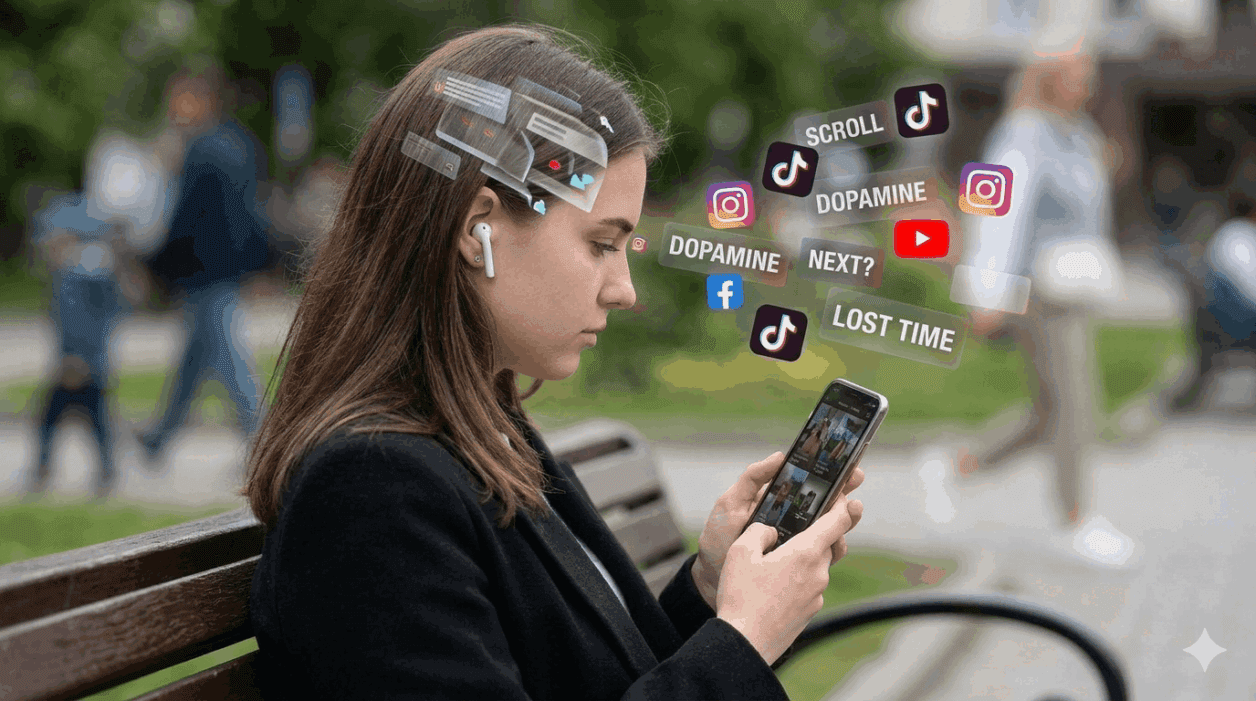
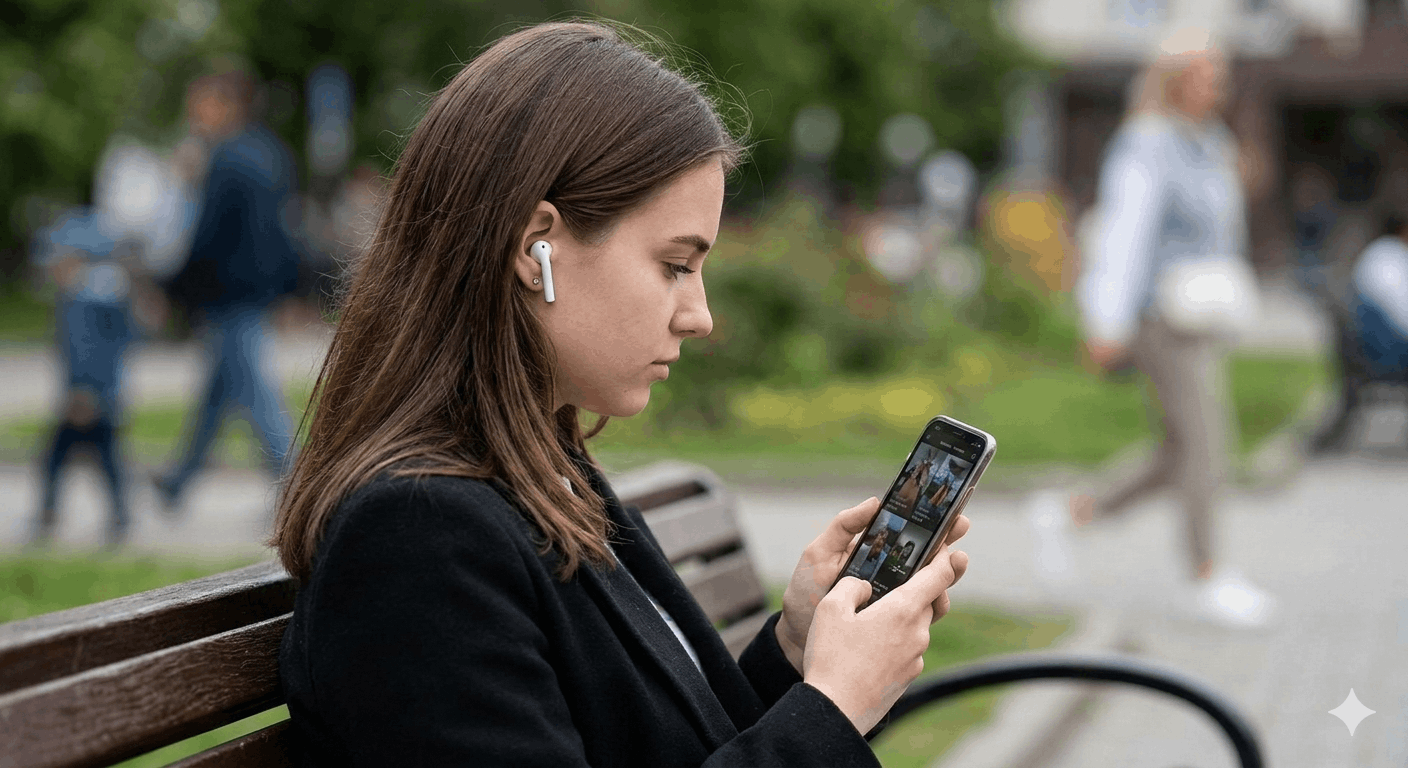
The relentless scroll is ubiquitous. Platforms like TikTok, YouTube Shorts, and Instagram Reels offer instantaneous bursts of entertainment. This trend raises a critical question: Is short-form video content actively eroding our collective ability to focus? The answer is multifaceted, leaning heavily toward ‘yes’, but understanding the mechanics and mitigation strategies is crucial for modern digital well-being.
Micro-Dopamine Hits and Neural Rewiring
The fundamental mechanism driving engagement, and simultaneously threatening focus, is the instant dopamine reward loop. Short videos are engineered for immediate gratification. Each swipe delivers novelty and often, small spikes of dopamine, a neurotransmitter associated with pleasure and learning. Over time, the brain can become accustomed to this rapid reinforcement. When we encounter complex, demanding tasks lacking immediate gratification (like reading a long article or working on deep work), our brains, conditioned for quick hits, struggle to maintain attention. We subconsciously seek the next easy dopamine source, making prolonged concentration significantly more difficult.
The Rise of Context Switching and Reduced Focus Depth
Consuming countless disparate topics in quick succession trains the brain for constant context switching, not sustained focus. This rapid shift of attention prevents the development of deep focus, the state of flow essential for complex thinking, problem-solving, and meaningful productivity. We become proficient at skimming, superficially engaging with many things while simultaneously weakening our capacity to engage deeply with anything. This phenomenon doesn’t necessarily destroy the brain’s capability, but it dramatically underutilizes and de-prioritizes the neural pathways responsible for long-term concentration.
Strategies for Reclaiming Your Attention Span
Acknowledging the challenge is the first step. To counteract these effects, proactive measures are essential: Intentionally engaging in deep work or focused hobbies like reading, complex problem-solving, or even creative writing can help retrain the brain for sustained concentration. It’s also effective to create structure by setting specific time limits or ‘scroll-free’ zones to break the cycle of automatic, dopamine-driven consumption. Furthermore, practicing mindfulness or meditation can improve attention control by strengthening your ability to notice and gently redirect wandering thoughts. While short-form content can be entertaining, actively diversifying our cognitive inputs is critical for preserving our long-term ability to focus and engage deeply in our work and lives.

n 2026, the market for anti-scrolling tools has shifted toward friction-based and replacement strategies rather than simple blocking, which users often bypass.
The Disruptors: Friction and Psychology
These apps aim to break the “autopilot” reflex that leads to mindless scrolling.
one sec (iOS/Android): Intercepts social apps with a breathing prompt and a 10-second delay. This brief friction forces your prefrontal cortex to “wake up,” helping you decide if you actually want to scroll or if it’s just a muscle memory reflex.
ScreenZen (iOS/Android): Similar to one sec but more customizable. It can require you to solve a math problem, take a certain number of steps, or wait through a long countdown before an app unlocks.
Minimalist Phone (Android): A launcher that replaces your colorful, notification-heavy UI with a stark, monochrome, text-based interface. It removes the visual triggers (like red notification badges) that entice you to click.
The Hard Blockers: Force and Accountability
Best for “deep work” sessions where willpower isn’t enough.
Freedom (Cross-Platform): The industry standard for multi-device blocking. It syncs across your phone, tablet, and computer, preventing you from simply switching devices when one is blocked. Its “Locked Mode” makes it nearly impossible to disable the block until the timer ends.
Opal (iOS/Android): Uses a local VPN to disconnect specific apps from the internet. Its “Deep Focus” mode is particularly effective because it prevents you from deleting the app or canceling the session to bypass the block.
AppBlock (Android/iOS): Highly granular. You can set blocks based on time, location (e.g., “block TikTok when I’m at the office”), or even specific Wi-Fi networks.
The Gamifiers: Positive Reinforcement
These turn focus into a game to provide a healthier dopamine alternative.
Forest (iOS/Android): You plant a digital tree that grows while you stay off your phone. If you leave the app to check social media, your tree withers. Over time, you build a virtual forest representing your productivity.
Refocus: A newer 2026 entry that uses a leveling system and streaks to reward users for staying under their daily screen time goals.
The Physical Solution: Hardware Locks
For those who find software-only solutions too easy to circumvent.
Blok / Brick: These are physical NFC tags or “bricks.” You tap your phone to the device to lock your chosen apps. To unblock them, you must physically go to where you left the “brick” (e.g., in another room) and tap it again, creating a powerful physical barrier to entry.
Built-in System Tools
Before downloading a third-party app, ensure you’ve maximized your phone’s native settings:
iOS 26 / Android 16: Both now feature advanced Focus Modes that can hide specific home screen pages and silence notifications from distracting apps during work or sleep hours.
Grayscale Mode: Turning your screen to black and white (found in Accessibility settings) makes short-form video significantly less stimulating and “addictive” to the brain.
Here are the direct links to the tools mentioned, categorized by their primary function for your convenience:
Friction-Based (Psychological)
one sec: one-sec.app (Adds a mandatory deep breath before apps open)
ScreenZen: screenzen.co (Highly customizable pauses and scroll-interrupts)
minimalist phone: minimalistphone.com (An Android launcher that strips away colorful icons)
Hard Blockers (Force)
Freedom: freedom.to (Syncs blocks across all devices: Phone, Mac, and Windows)
Opal: opal.so (Uses a local VPN to cut off access to specific apps)
AppBlock: appblock.app (Features a “Strict Mode” that is very difficult to bypass)
Gamified & Physical
Forest: forestapp.cc (Plant digital and real trees by staying focused)
Refocus: refocusapp.co (A sleek, modern blocker for iOS and Mac)
Brick: getbrick.app (A physical magnetic device that locks apps until you tap it)